
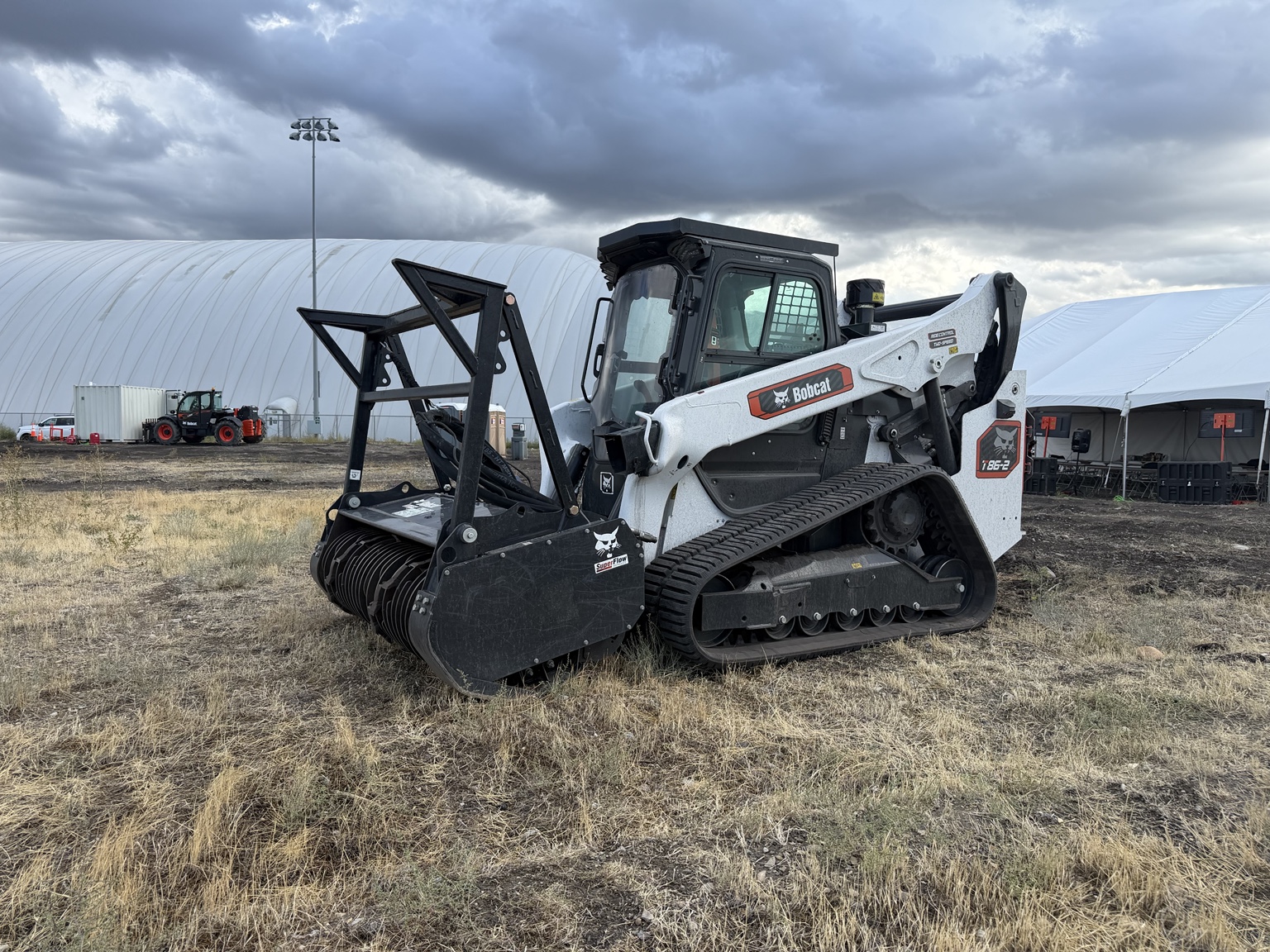
The drive settings and operator features covered in Bobcat Loader Evolution training deserve time during a loader demonstration. They affect the way you control the machine and the information you have while working.
Start with the tasks you repeat most often. The goal is to find a setup that feels predictable to you and suits the work, whether that involves careful material placement, cleanup or repeated loading cycles.
01
Understand the four drive modes
Pro loaders offer Balanced, Agile, Dynamic and Charged drive modes. The training described their progression from smoother response to more aggressive response to joystick input.
| Mode | Response described in training |
|---|---|
| Balanced | Smooth and predictable for controlled movements |
| Agile | More responsive handling for mixed everyday tasks |
| Dynamic | Sharper acceleration and quicker machine response |
| Charged | The most responsive setting of the four |
These settings let the operator tailor drive behavior. They do not change the machine’s rated operating capacity. Bobcat’s controls guide explains the modes and the control options offered across the lineup.
During a supervised demonstration, ask to compare the settings on a suitable task. Pay attention to how the loader starts moving and how easily you can make a small correction. Choose the response you can control consistently for that job.
02
Check the cab as you would use it
The Pro cab updates covered at training included larger HVAC and throttle knobs, more storage, a covered door latch and USB-A and USB-C charging. High-back seating is offered across more package levels, with exact seat equipment depending on the configuration.
Take time to adjust the seat and check access to the controls. Think about the clothing and gloves you normally wear, where you keep the items you need, and how long you spend in the cab. Those details are easier to judge in person than from a feature list.
03
Know what the camera and radar each do
The Pro rear-camera arrangement shown in training uses a tailgate-mounted camera with a 180-degree field of view. Bobcat View supplies camera images to help the operator see around the loader.
Bobcat Sense Rear Object Detection and Avoidance is a separate radar-based system. Training described dual rear sensors that detect objects in the intended reverse path. Depending on the selected mode, the system can alert the operator or slow or stop the loader.
The response modes covered were Stop, Stop and Alert, Alert Only, and Disabled. Camera visibility and radar response are separate functions. These systems assist the operator; they do not replace checking the travel path or following the operator’s manual.
Bobcat’s Jobsite Awareness information notes that compatibility varies and some features remain subject to rollout changes. Ask us to confirm released features for the exact machine and package before ordering.
04
Ask for a demonstration that answers your questions
Tell us who will operate the machine, which attachments you use and which movements are hardest to make smoothly with your current loader. We can use that information to focus the comparison.
Contact Shepherd’s Garage to discuss Bobcat loader options and demonstration availability. Bring the regular operator into the conversation so the final setup suits the person doing the work.
Shepherd’s Garage · Montana
Let’s put the right loader to work.
Tell us about your operation, attachments and current machine. We’ll help you compare the configurations that fit.
More from Bobcat Loader Evolution